


Everyone on Twitter wants to have that blue badge. Although Twitter at one time said the blue badge is of no significant importance, but there is a sense of pride and ownership that comes with your Twitter account having that badge.
Twitter had suspended the verification process, saying some people had started “abusing the privilege.” But the verification process is now back, single than ever before. It is open for everyone and can be applied right from the account on phone.
Read More: How to Easily Get 5M Impressions and Over 10K Retweets on Twitter


Step 1: Go to your Twitter profile (using your phone) as shown. Scroll down to “Settings and Privacy” as shown in the image below:


Step 2: Once you click on “Settings and Privacy” as shown above, it will take you to the next page (as shown). Click to “Account” as shown in the attached image:
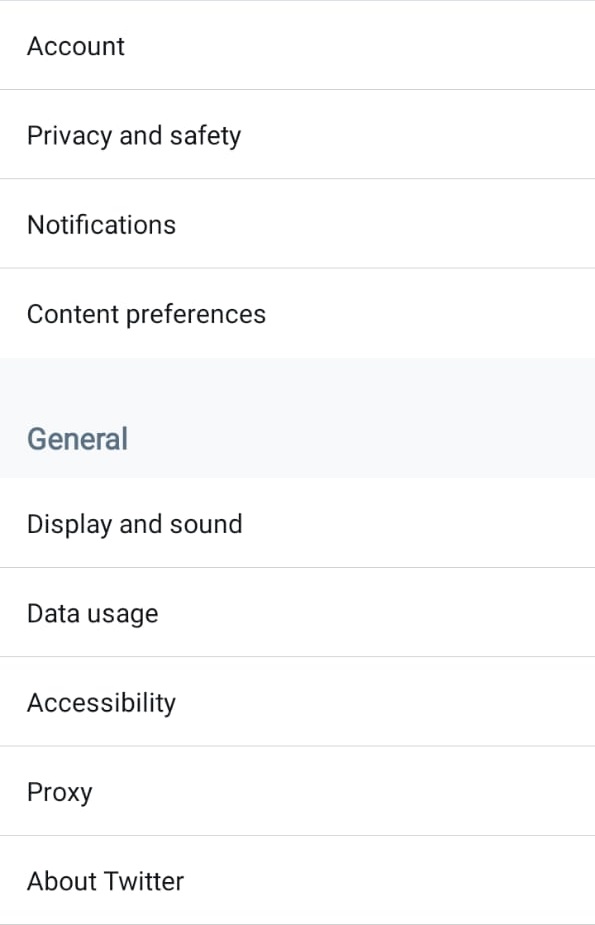

Step 3: Clicking on the “Account” will take you to the page shown below. Scroll down to “Verification Request”. Click on the “Verification Request”.


Step 4: After clicking on “Verification Request”, you will be directed to the page shown. Click on “Start Request”.
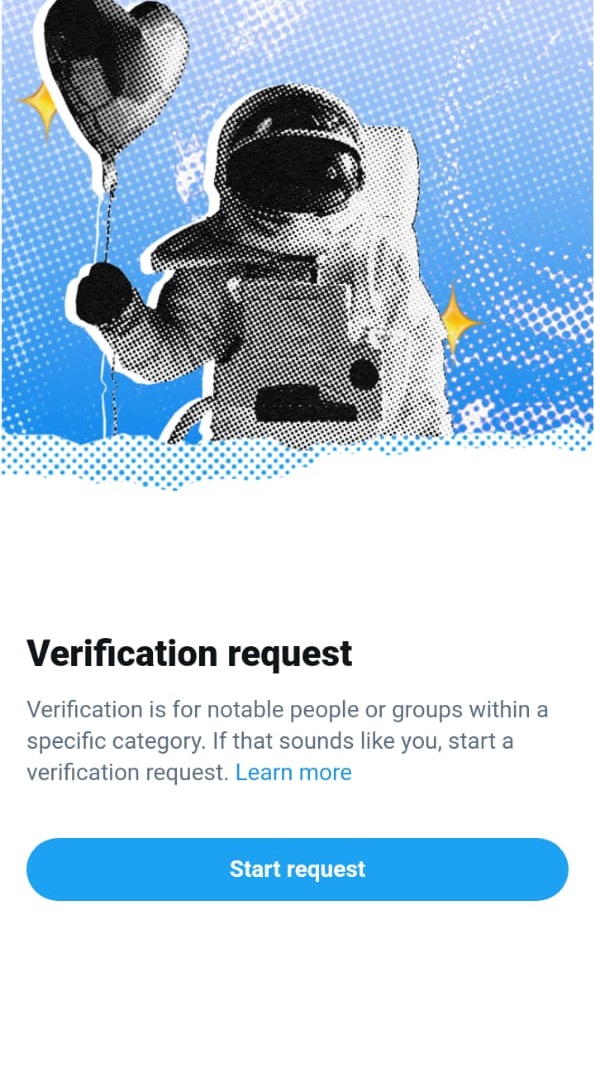

Step 5: After “Start Request”, Twitter will prompt you to tell them who you are. E.g Activist, organizer, or influencer. Choose one. I chose “Journalist or news organization.”
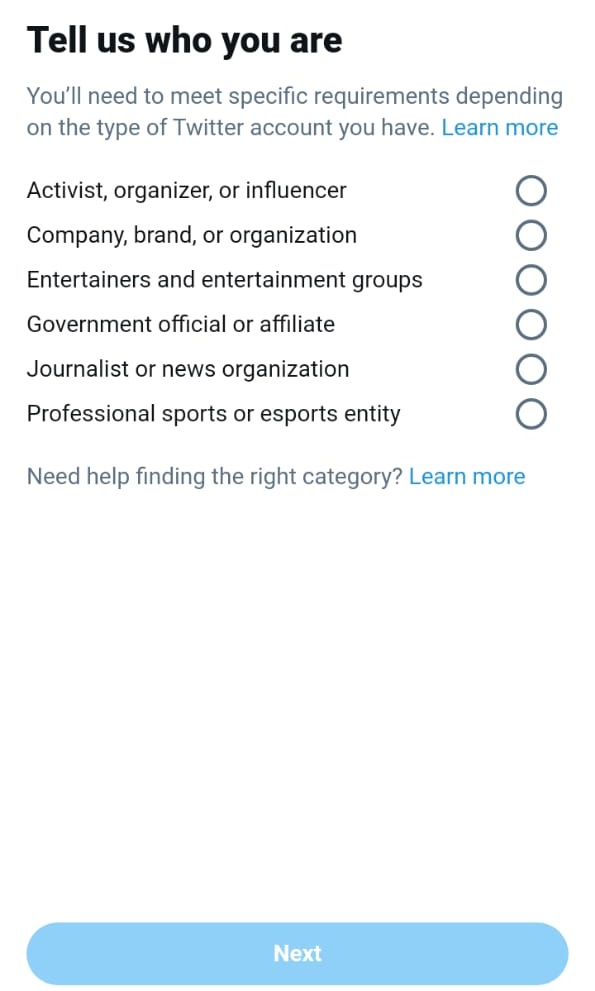

After those stages, you will be required to provide proof of what you say you are. For instance, if you chose a Journalist or news organization, you will be required to provide a link to the website you claim to be working for, provide at least 3 links with your byline, and if you have a website, give it to skin sharing your ID.
Read More: Twitter To Start Verifying Accounts After Years Of Suspension
Try your luck and you may just land the much-coveted blue badge from Twitter.