


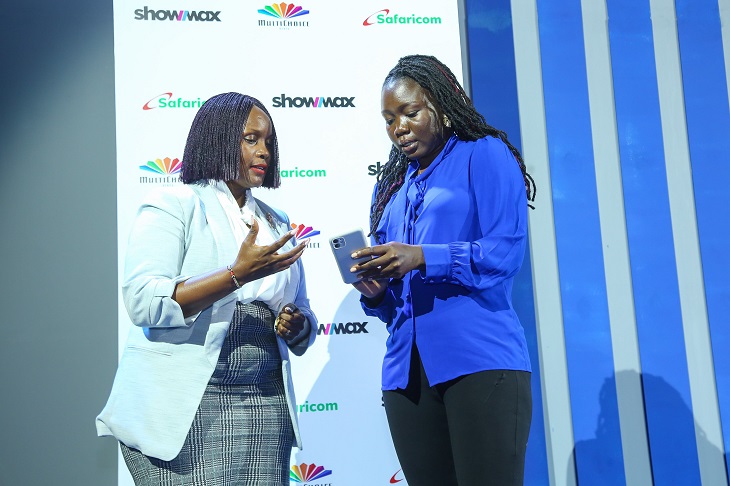
Showmax and Safaricom have partnered to offer customers two months of streaming for an affordable and friendly price on their mobile devices.
In this partnership, customers will be offered data deals bundled with a 60-day Showmax subscription, instead of the usual 30-day subscription. Customers will choose from two mobile bundles i.e.
Showmax Mobile (60 days) + 1GB Safaricom data for 389 shillings

Showmax Pro Mobile (60 days) + 3GB Safaricom data for 1,299 shillings

This deal is valid from 1 February to 31 March 2022 and is exclusive to Safaricom customers.
As part of its local-first strategy, Showmax tailors the content, apps, packages, and partnerships to what is most important to subscribers in different countries.
“We’re always looking at ways to make it easier for fans to watch Showmax. Our partnership with Safaricom gives our customers the convenience of a single payment for both entertainment and data to make streaming quick and easy while giving them an extra 30 days of watching, Chief Expansion Officer – MultiChoice Connected Video, Nathan Hanley Said.
This bundled deal with Safaricom will make it easier for Kenyan streaming fans to pay for Showmax and data via M-Pesa in one go.
“As a digital-first company, we want to avail affordable devices and data bundles and leverage our extensive 4G coverage to enable Kenyans to access a new world of content from the comfort of their phones.
Through this partnership, our customers can now enjoy their favorite shows on Showmax using bundles that provide value and convenience,” CEO – Safaricom PLC Peter Ndegwa said.”
How You Can Access This Service
Visit www.showmax.com/safaricom or dial *544*20# and select Showmax
Select either a Showmax Mobile (2 months) + 1GB data or Showmax Pro Mobile (2 months) + 3GB data
3 Create an account or sign in using your email address and password
Enter your Safaricom mobile phone number and click on next.
Enter your M-Pesa PIN on your phone to approve your payment
You will receive an SMS confirming payment
Start Watching