
10 Useful Tips For Safe Online Shopping

Online shopping simplifies things for shopaholics in many ways. It enables them to find the best prices, shop, and have items delivered at their doorstep- without having to leave the house.
And because online stores offer warranty and seamless return policies in case their products turn out to be faulty, this form of shopping has grown tremendously in popularity over the past decade.
Online customer support teams are also proving to be more efficient than those in physical stores.

But online shopping isn’t immune to challenges. Most of the challenges are precipitated by technology, precisely cyber insecurity.
Cybercriminals are strategically positioned to spy on and steal your credit card information, which they can easily use to steal your money. With that in mind, there clearly is an urgent need for you to be cautious when making online purchases.
Here are 10 tips that you can rely on to improve the security of your precious data when shopping online.
- Avoid shopping with debit cards
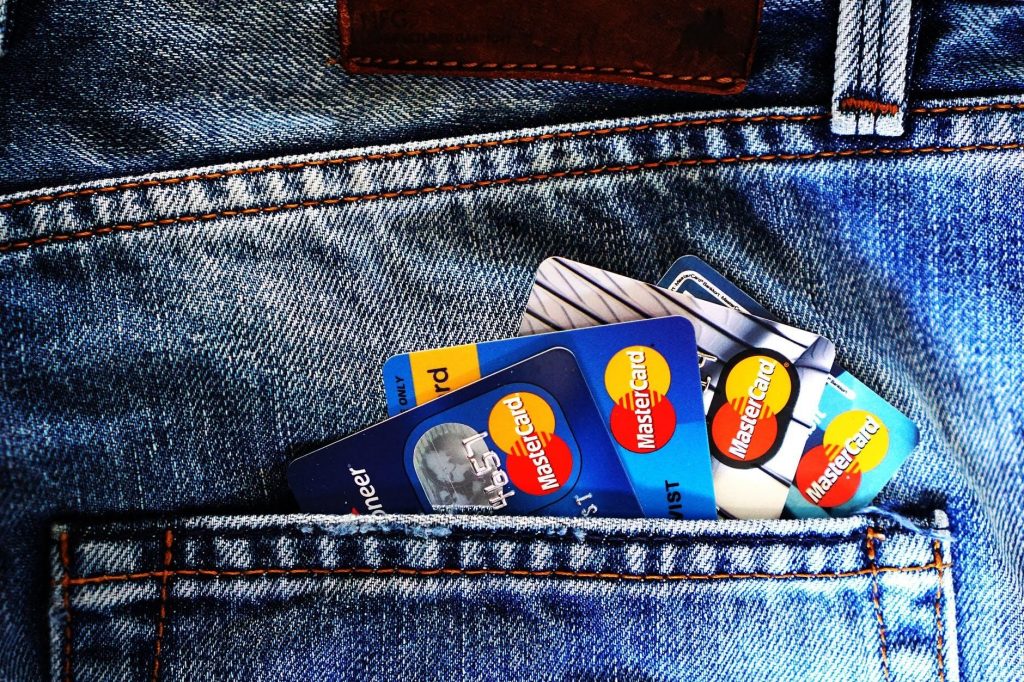
Your debit card and your bank account have similar information.
The two are actually connected directly.
If a data thief successfully mines data from your debit card, therefore, he can effortlessly wipe your bank accounts dry.
Instead of using a debit card to shop online, it is better to use a credit card.
These cards are connected to your card insurer and not directly to the bank.
In a way, the insurer shields your bank account information from spies.
- Always ensure that your connection is secure

Never make any financial transaction online when your computer’s firewall is down or compromised.
When using a wireless network, be sure to check if it is properly encrypted.
Also, as much as possible, never shop online using public Wi-Fi. You cannot be sure who is watching.
- Have an email dedicated to shopping only

Your regular email has a lot of confidential personal information that a data thief could greatly benefit from.
Don’t put that information at risk by using it to shop online. It is wise to open a new email and dedicate it to online shopping only.
- Buy VPN
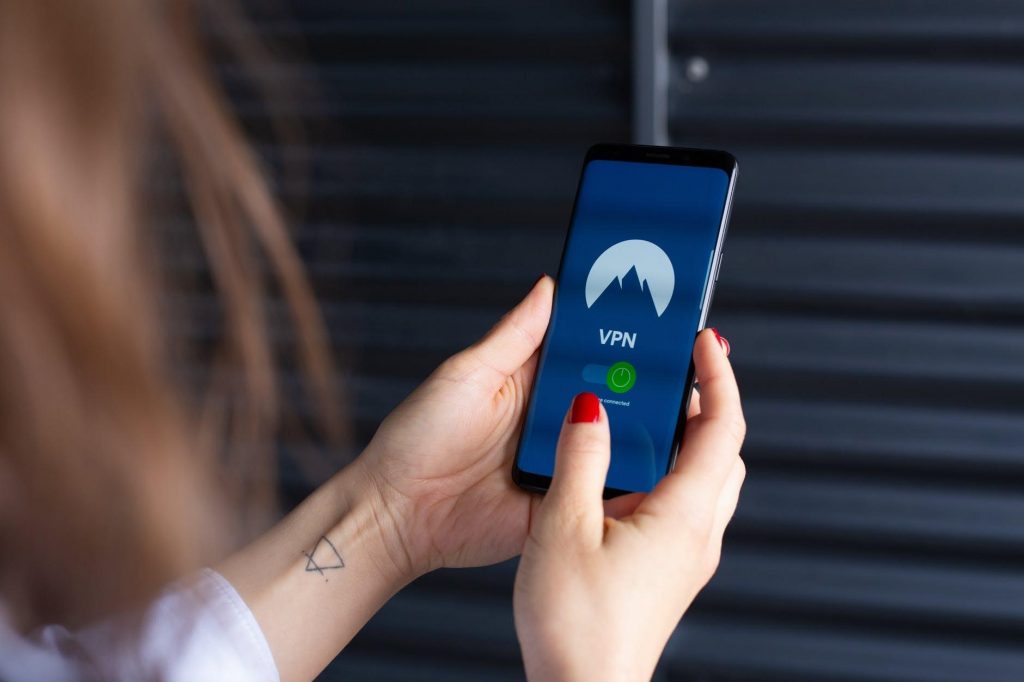
A VPN guarantees you secure online payments by hiding your physical IP address from cybercriminals.
If you are in the US but are using an Australia-based VPN server, for example, a spy will be misguided to think that you are in Australia.
That makes it hard for him to steal your information and even if he does, most of it is distorted, misleading, and obsolete.
- Only shop from trusted sites

You can easily end up in a rip-off e-commerce site if you aren’t careful.
The best thing to do is to only shop from the online shopping sites you trust.
If you are a fashionista, for example, you will find great websites that offer fashion deals on famous brands.
All you need to do is trust a few reputable ones for all your future fashion needs.
- Ensure that your passwords are foolproof
Of course, no one likes the hustle of creating and memorizing new passwords for every account they own.
That is why most people use the same password for nearly every platform.
Others use their names or birthdays as passwords because, after all, such details are easier to remember.
What they probably don’t know is that the easier it is to remember a password, the easier it will be for a hacker to guess it.
Always try to create complex, unique passwords and to mix them up once in a while. You know; just to confuse potential spies.
- Never allow a shopping site to save your login details

It is convenient to let shopping sites save your passwords, but it can be equally risky.
You would rather re-enter your login details every time you want to shop in a given site than risk losing important data by saving it in unsecure sites.
- Only download store mobile apps from the authorized app store

If you shop from your smartphone, avoid shopping from unverified e-commerce apps.
Always ensure that you download your apps from Google or Play Store.
- Always check the padlock
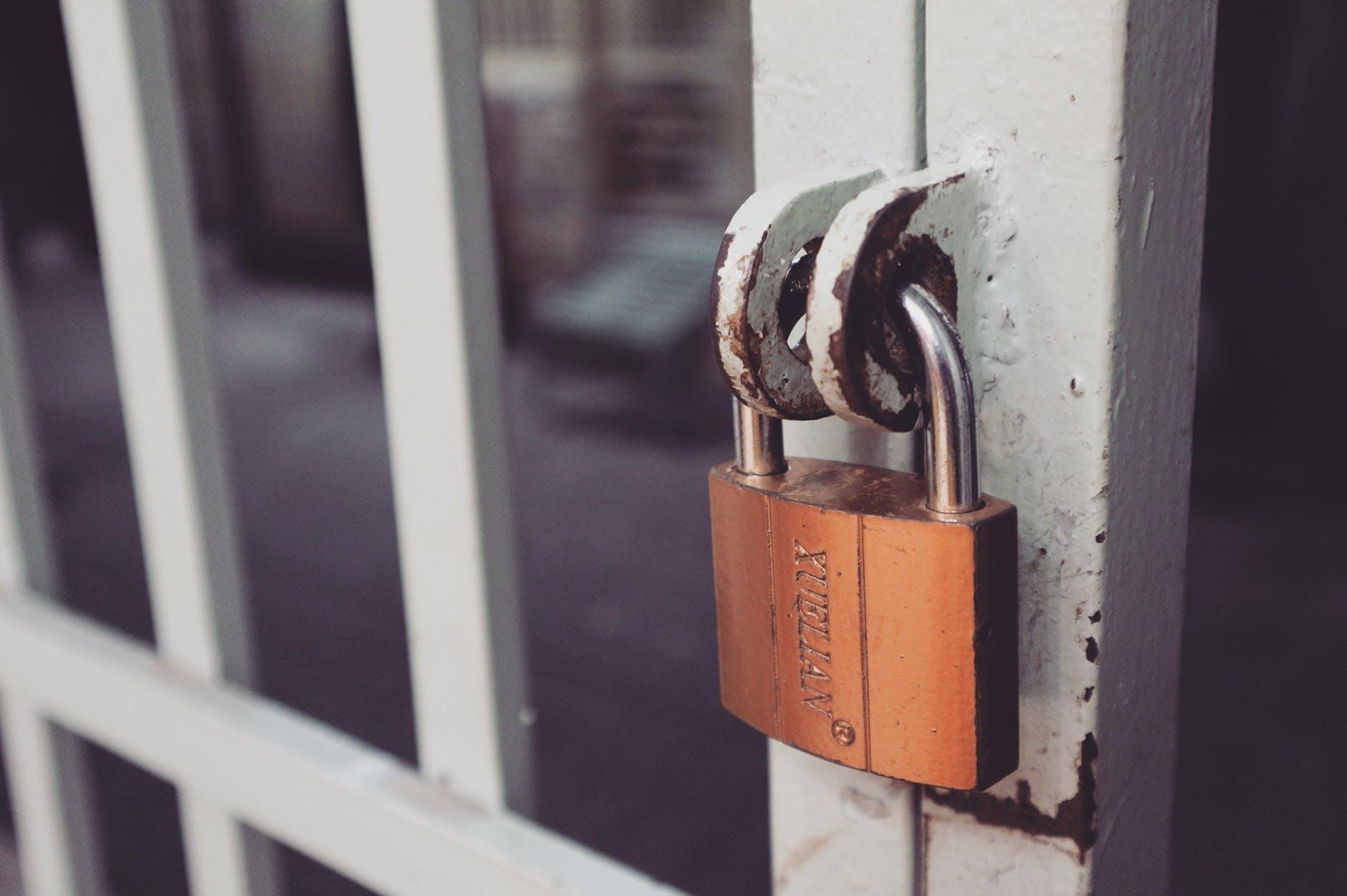
If you are a keen person, you must have noticed an icon of a locked padlock that sometimes appears at the top left-hand side of your browser’s address bar.
That shows that the site you are in has SSL (secure sockets layer) encryption.
If the padlock is missing, that site could be unsecure. Run away from there.
- Make sure that your browser is updated

Hackers easily infiltrate old browsers and operating systems.
Always ensure that your computer’s OS is up-to-date and that your browsing device has strong anti-virus software.
By Edita Rhodes
Read Also: Here are some of the advantages of doing your shopping online

- January 2026 (220)
- February 2026 (243)
- March 2026 (188)
- January 2025 (119)
- February 2025 (191)
- March 2025 (212)
- April 2025 (193)
- May 2025 (161)
- June 2025 (157)
- July 2025 (227)
- August 2025 (211)
- September 2025 (270)
- October 2025 (297)
- November 2025 (230)
- December 2025 (219)
- January 2024 (238)
- February 2024 (227)
- March 2024 (190)
- April 2024 (133)
- May 2024 (157)
- June 2024 (145)
- July 2024 (136)
- August 2024 (154)
- September 2024 (212)
- October 2024 (255)
- November 2024 (196)
- December 2024 (143)
- January 2023 (182)
- February 2023 (203)
- March 2023 (322)
- April 2023 (297)
- May 2023 (267)
- June 2023 (214)
- July 2023 (212)
- August 2023 (257)
- September 2023 (237)
- October 2023 (264)
- November 2023 (286)
- December 2023 (177)
- January 2022 (293)
- February 2022 (329)
- March 2022 (358)
- April 2022 (292)
- May 2022 (271)
- June 2022 (232)
- July 2022 (278)
- August 2022 (253)
- September 2022 (246)
- October 2022 (196)
- November 2022 (232)
- December 2022 (167)
- January 2021 (182)
- February 2021 (227)
- March 2021 (325)
- April 2021 (259)
- May 2021 (285)
- June 2021 (272)
- July 2021 (277)
- August 2021 (232)
- September 2021 (271)
- October 2021 (304)
- November 2021 (364)
- December 2021 (249)
- January 2020 (272)
- February 2020 (310)
- March 2020 (390)
- April 2020 (321)
- May 2020 (335)
- June 2020 (327)
- July 2020 (333)
- August 2020 (276)
- September 2020 (214)
- October 2020 (233)
- November 2020 (242)
- December 2020 (187)
- January 2019 (251)
- February 2019 (215)
- March 2019 (283)
- April 2019 (254)
- May 2019 (269)
- June 2019 (249)
- July 2019 (335)
- August 2019 (293)
- September 2019 (306)
- October 2019 (313)
- November 2019 (362)
- December 2019 (318)
- January 2018 (291)
- February 2018 (213)
- March 2018 (275)
- April 2018 (223)
- May 2018 (235)
- June 2018 (176)
- July 2018 (256)
- August 2018 (247)
- September 2018 (255)
- October 2018 (282)
- November 2018 (282)
- December 2018 (184)
- January 2017 (183)
- February 2017 (194)
- March 2017 (207)
- April 2017 (104)
- May 2017 (169)
- June 2017 (205)
- July 2017 (189)
- August 2017 (195)
- September 2017 (186)
- October 2017 (235)
- November 2017 (253)
- December 2017 (266)
- January 2016 (164)
- February 2016 (165)
- March 2016 (189)
- April 2016 (143)
- May 2016 (245)
- June 2016 (182)
- July 2016 (271)
- August 2016 (247)
- September 2016 (233)
- October 2016 (191)
- November 2016 (243)
- December 2016 (153)
- January 2015 (1)
- February 2015 (4)
- March 2015 (164)
- April 2015 (107)
- May 2015 (116)
- June 2015 (119)
- July 2015 (145)
- August 2015 (157)
- September 2015 (186)
- October 2015 (169)
- November 2015 (173)
- December 2015 (205)
- March 2014 (2)
- March 2013 (10)
- June 2013 (1)
- March 2012 (7)
- April 2012 (15)
- May 2012 (1)
- July 2012 (1)
- August 2012 (4)
- October 2012 (2)
- November 2012 (2)
- December 2012 (1)